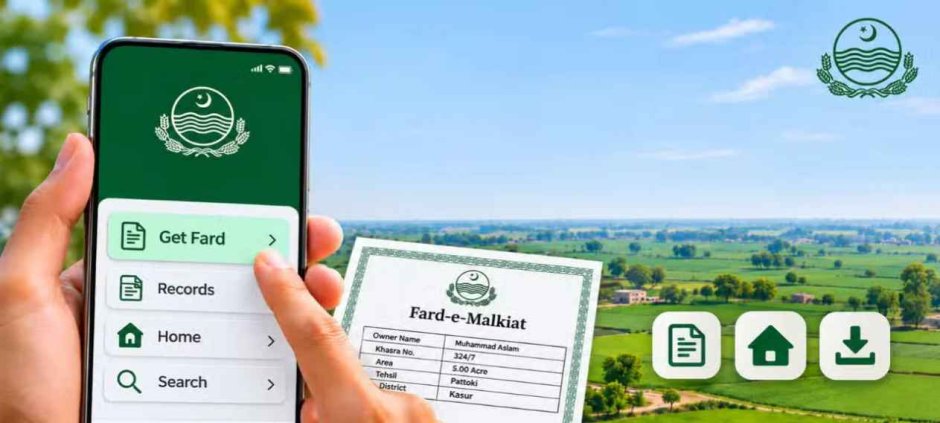
The Punjab government has introduced a digital service for citizens to access their land ownership records online. The facility allows property owners to obtain their Fard-e-Malkiat through the Punjab Zameen mobile application.
The new service aims to make land records more accessible and reduce unnecessary visits to government offices. Citizens can request and download verified ownership documents directly through their smartphones.
According to the Punjab Land Records Authority (PLRA), users can complete the process through a simple five-step procedure. The authority says citizens can obtain their digital Fard in approximately two minutes.
However, the actual processing time may depend on record availability and payment confirmation. The service is available through the Punjab Zameen App on Android and iOS devices.
Citizens can download the application from the Google Play Store or Apple App Store. They can then access the land ownership service using their CNIC details.
How to Download Land Ownership Records Online in Punjab
The Punjab Land Records Authority has outlined five steps for obtaining a digital Fard through its mobile application.
Step 1: Log In to the Punjab Zameen App
First, download the Punjab Zameen App from the Google Play Store or Apple App Store. Open the application and enter your Computerized National Identity Card (CNIC) number and password.
Step 2: Select the Get Fard Option
After logging in, navigate to the application’s home screen. Select the “Get Fard” option to access the land ownership record service.
Step 3: Enter Your Property Details
Select the relevant district, tehsil, and mouza where your property is located. You must also provide the required Khasra or Khewat number.
These details help the system identify the correct land ownership record. Users should enter accurate information to avoid problems during verification.
Step 4: Complete the Online Payment
After submitting the property details, the application will generate a Payment Slip ID (PSID). Citizens can use this ID to pay the applicable service charges.
Payments can be completed through the 1Bill payment system or mobile banking services. However, the authority has not announced a fixed fee for obtaining the digital Fard.
Step 5: Download Your Digital Fard
Once the system confirms the payment, users can download their verified land ownership document. The digital Fard can be saved on a smartphone or printed for future use.
What Is Fard-e-Malkiat?
Fard-e-Malkiat is an official document containing information about land ownership. It provides details about the property owner, land location, area, and other relevant records.
The document is commonly required for property transactions and ownership verification. It can also be used for various legal and land-related matters.
Where to Download the Punjab Zameen App
Citizens can download the official Punjab Zameen App through the Google Play Store and Apple App Store. The application provides access to digital land records and other related services.
Users can also visit the official Punjab Land Records Authority website for additional information. The website provides details about available services and land record facilities.
The digital initiative aims to simplify access to property documents across Punjab. However, citizens should ensure their land records are available in the computerized system before submitting a request.
In other related news also read Punjab Restricts Unauthorized Entry Into Girls’ Schools
The service provides another digital option for accessing verified ownership documents. It also reduces the need for citizens to visit land record offices for routine requests.